






Ever felt like your iPhone’s music sounds more like a whisper than a concert? If those bass notes are playing hide and seek, it’s time to turn up the volume on your listening experience. Whether you’re jamming to your favorite tunes or getting pumped for a workout, a little bass boost can transform your vibe from “meh” to “wow.”
Understanding Bass Enhancement
Enhancing bass sound quality on iPhones improves the overall listening experience. A rich bass response elevates music enjoyment, particularly in dynamic genres.
Importance of Bass in Music
Bass plays a crucial role in creating depth and richness in music. It provides the foundation that supports melodies and harmonies. Genres like hip-hop, electronic dance music, and rock rely on strong bass lines to engage listeners. Strong bass not only drives rhythm but also enhances emotional connections to songs. Audiences often feel energized during bass-heavy tracks, making it especially important during workouts or events.
How iPhone Handles Sound Frequencies
iPhones utilize advanced audio processing technology to manage sound frequencies. The device can reproduce a range of frequencies from low to high, but native settings may limit bass output. By default, iPhones optimize audio for clarity, sometimes sacrificing lower frequencies. Equalizer settings within the iPhone’s Music app allow users to adjust the sound profile, affecting bass levels. Understanding these settings enables users to tailor their audio experience to meet personal preferences.
Built-in iPhone Features for Bass Boosting
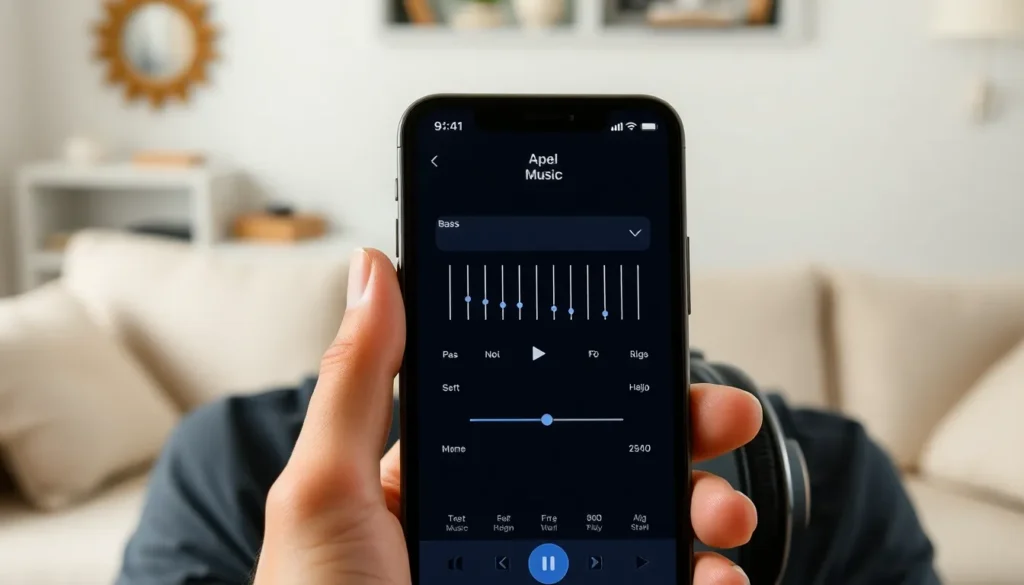
iPhones offer several built-in features to enhance bass sound quality, ensuring a richer audio experience. Users can exploit these tools for optimal music enjoyment.
Equalizer Settings in Apple Music
Equalizer settings in Apple Music allow users to adjust sound frequencies effectively. They provide different presets like “Hip-Hop,” “Pop,” and “Dance,” specifically designed to amplify bass. Selecting one of these presets boosts lower frequencies, making music feel fuller and more vibrant. Customization is also possible; users can manually adjust sliders to find the perfect balance for their preferences. Accessing the equalizer is simple: navigate to Settings, tap Music, then EQ. This minor adjustment enhances overall sound quality significantly.
Sound Check and Volume Limit Features
Sound Check normalizes audio levels across different tracks, creating a consistent listening experience. This feature can prevent sudden volume changes, allowing bass to be perceived more evenly. Activating Sound Check aids in maintaining a steady balance across genres. Additionally, the Volume Limit feature ensures users don’t inadvertently crank up the bass too high, preserving speaker integrity and user comfort. Adjusting these settings can take a few moments, but the improvements in sound quality justify the effort. Access these features via Settings and Music for optimal control over audio work.
Third-Party Apps for Boosting Bass
Various third-party apps provide additional bass-boosting features for iPhone users seeking an enriched audio experience.
Recommended Apps for Enhanced Bass
Equalizer FX stands out with its powerful bass enhancement capabilities. Users appreciate its custom equalizer settings that allow for precise adjustments. Bass Booster is another popular choice, designed explicitly to amplify low frequencies while maintaining overall audio clarity. Additionally, Poweramp, a robust player app, includes advanced equalizer options for personalized sound profiles. Boom is also noteworthy; it combines a 3D surround sound experience with bass boost functionalities, enhancing the overall impact of music.
How to Use These Apps Effectively
Starting with Equalizer FX, users can simply select the bass preset and adjust the sliders to their preference. For Bass Booster, one taps the boost button to amplify low-end frequencies directly. Users of Poweramp need to navigate to the equalizer settings and tweak frequencies for the best result. When utilizing Boom, activating 3D sound and adjusting the bass control leads to an immersive audio experience. Regularly exploring the app settings ensures optimized sound output tailored to individual music tastes.
Accessories to Improve Bass Quality
Improving bass quality on an iPhone can significantly enhance the listening experience. Various accessories play a crucial role in achieving that deep, rich sound.
Best Headphones for Bass Response
Choosing the right headphones makes a noticeable difference in bass response. Over-ear headphones like the Bose 700 and Sony WH-1000XM4 deliver powerful bass while maintaining comfort. In-ear options, such as the Audeze iSINE 10, excel in low-frequency reproduction, providing an immersive audio experience. Brands like Sennheiser and Beats also offer models designed specifically to enhance bass. Select headphones with a wide frequency response range, ensuring deeper bass notes can be accurately reproduced.
Bluetooth Speakers with Enhanced Bass
Bluetooth speakers can elevate the music experience with their bass capabilities. The JBL Charge 5 stands out for its deep sound and portability, making it ideal for outdoor gatherings. Ultimate Ears Boom 3 offers great bass-enhanced sound while being waterproof and durable. Another solid choice is the Bose SoundLink Revolve+, which combines 360-degree sound with rich bass. Look for speakers with passive radiators, as they help produce low frequencies and enhance the overall sound profile.
Boosting bass on an iPhone can transform the listening experience from ordinary to extraordinary. By utilizing built-in features like the equalizer settings and exploring third-party apps, users can tailor their audio to suit their preferences. Selecting the right headphones or Bluetooth speakers further enhances sound quality, ensuring that every beat resonates with depth.
With these strategies, music lovers can enjoy a richer and more immersive audio experience that elevates their favorite tracks. Whether it’s for workouts or relaxation, achieving optimal bass on an iPhone is within reach.